Unsplash
Search and insert images from Unsplash directly in the admin media picker.
Setup
-
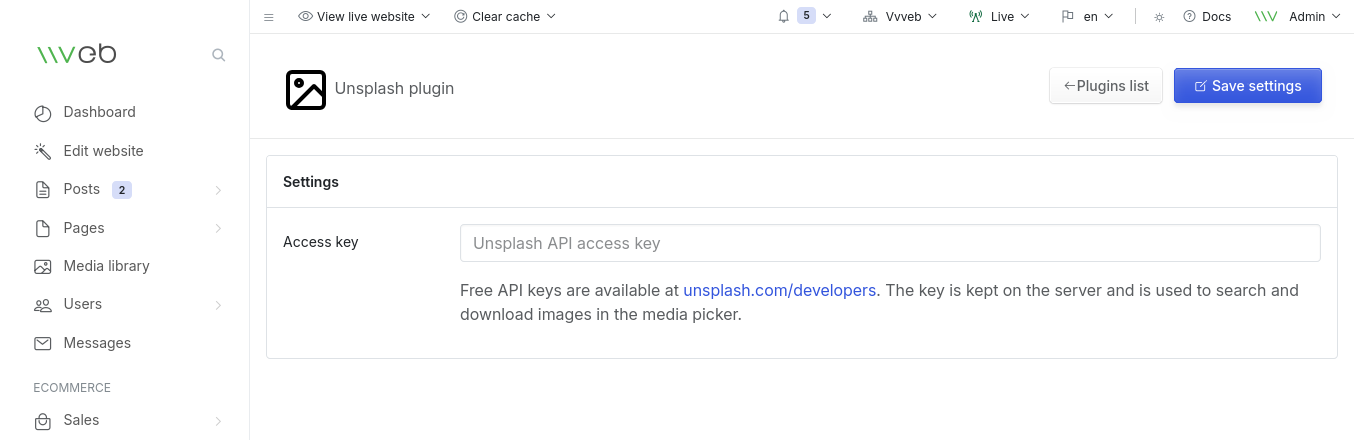
Get a free API key from https://unsplash.com/developers.
-
Set the key in Admin > Plugins > Unsplash > Settings.
-
Open any media picker (content image, product image, page builder, etc.), click the Unsplash button and search.
The access key is kept on the server. Searches go through the plugin's own controller, and selected images are downloaded into the site's media library before they are inserted.
 Unsplash